Make a family calendar with birthdays and anniversaries
Organize recurring birthdays, anniversaries, and one-time events, add day photos, and check shared dates before exporting a family calendar.
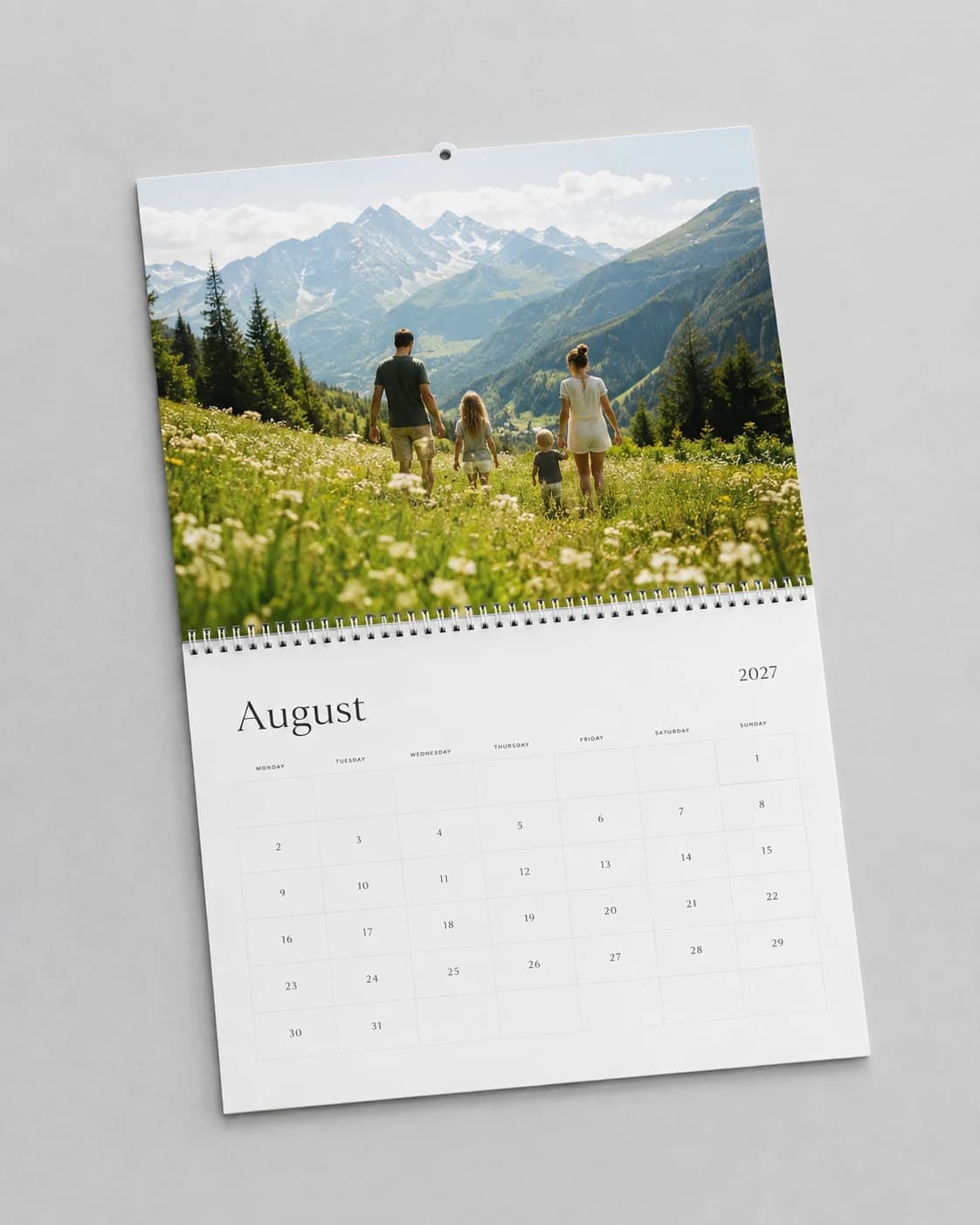
Separate annual dates from one-time plans
Birthdays and wedding anniversaries usually repeat every year. A graduation ceremony, reunion, or planned trip may happen only once. Keep those two groups separate so that a calendar for next year does not accidentally repeat an event that has already passed.
Start with a list of the event name, month, day, whether it repeats, and which calendars should include it. Add the year for one-time events. Confirm the information with the person or household involved rather than copying an old calendar that may contain mistakes.
| Event | Date | Repeat |
|---|---|---|
| Alex's birthday | March 8 | Every year |
| Sam & Jo's anniversary | June 14 | Every year |
| Family reunion | July 10, 2027 | One time |
Choose the right level of personal detail
A calendar does not need someone's birth year to celebrate their birthday. Use the least personal information that serves the purpose. For a calendar going to a wider group, ask before including children's photos, private anniversaries, or other sensitive events.
Keep a master list, but decide which dates belong in each recipient's calendar. Your kitchen calendar may include school events that a grandparent's version does not need. Before sharing a PDF, remember that its dates and photographs travel with the file.
Add birthdays and special dates in Memluxe
Open a calendar and use the Dates inspector to create a birthday, anniversary, or custom special day. Enter its date, choose annual or one-time recurrence, and include it in the calendars where it belongs. A one-time date appears only in the matching calendar year.
You can attach a photo to a special date. For a birthday, use a clear portrait with enough room around the face. For an anniversary, a photograph of both people can be more useful than two separate portraits. Review the small date-cell crop rather than assuming the original photo will remain fully visible.
Treat two events on one day as a layout decision
Shared birthdays and overlapping celebrations are normal. Keep both entries instead of moving one to a different date just to make the page simpler. Memluxe supports multiple same-day events and shared photo cells, but the available space is still finite.
Use short, distinct labels when a day becomes crowded. Check that every intended name remains visible and that the photo crop works at the small size. If a date has several events, an extra reminder elsewhere may be clearer than forcing a paragraph into a day square.
Check contrast, recurrence, and the exported page
A dark label can disappear over dark hair; white lettering can disappear over a bright sky. The calendar uses adaptive text contrast for date photos, but review the actual photograph and the exported PDF. Large areas of mixed light and shadow still deserve a close look.
Confirm annual versus one-time recurrence, the selected year, and all shared dates before printing. February 29 deserves a deliberate check: decide how your family observes it in non-leap years and verify that the calendar reflects that intention. Never assume the software has chosen your family's convention.
Make one proofreading pass with photos ignored and only dates and names in view. Then make another pass for crops, contrast, and writing space. A second family member can often catch a date error that the organizer has read past several times.