Photo calendar ideas for a year that feels like yours
Twelve ways to choose and arrange family photos for a personal calendar, plus a practical checklist before you print.
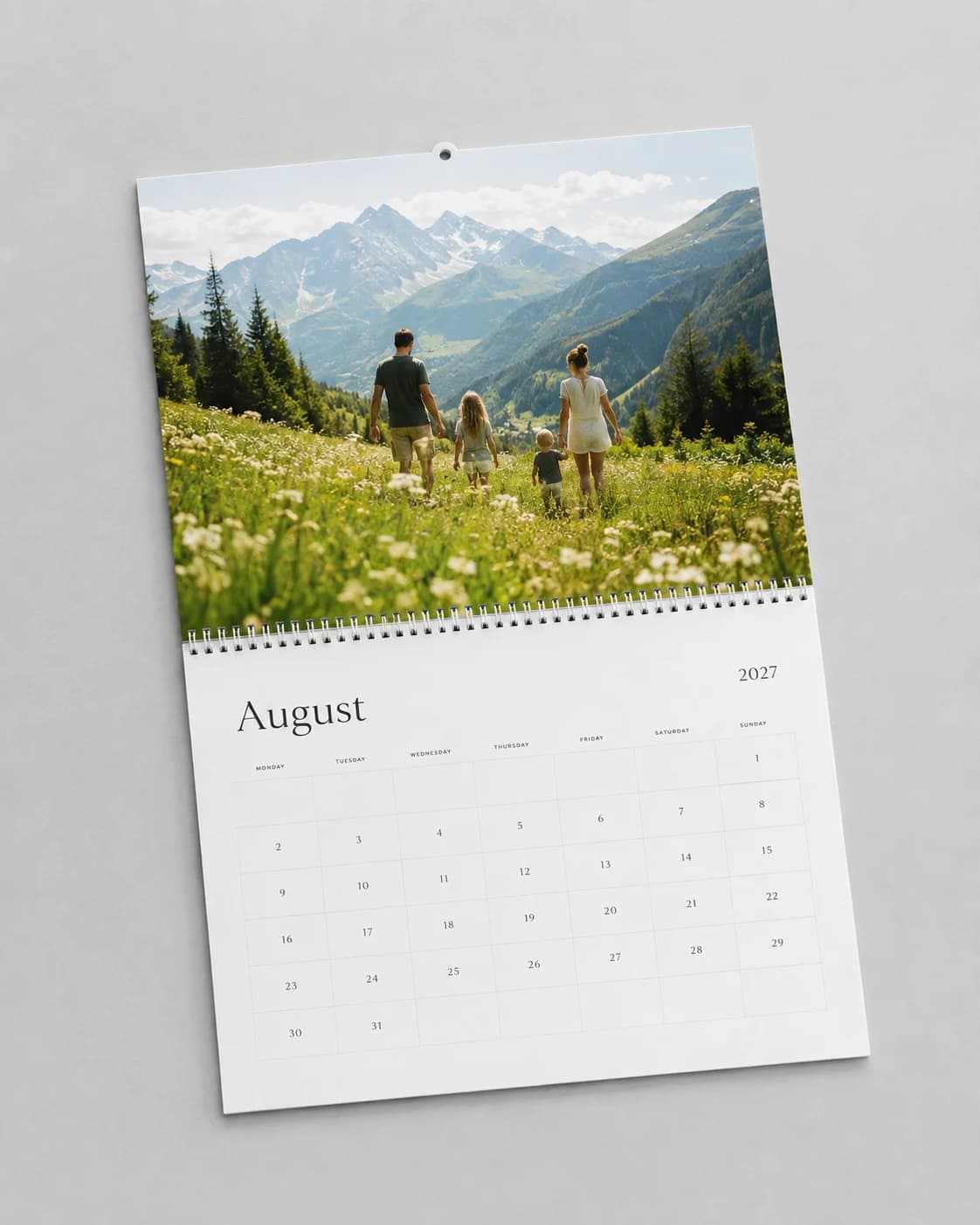
Start with a person, not a folder
A calendar for grandparents does not need the same pictures as one for your own kitchen. Think about who will see it each morning. A close-up of a grandchild, a familiar place, or an ordinary afternoon can matter more than your most technically impressive photograph.
Choose a loose thread before you open the editor: the family this year, twelve places you went together, the first year with a new baby, or a collection of everyday moments. A clear thread makes it easier to leave out a good photo that does not belong in this particular project.
Try a twelve-month photo shortlist
January: a fresh start or a snowy walk. February: people you love. March: something growing. April: an everyday adventure. May: a family milestone. June: a long evening outside.
July: a trip or a backyard gathering. August: the last stretch of summer. September: a new routine. October: a favorite local place. November: people around a table. December: a quiet moment at home. These are prompts, not rules; match the seasons and celebrations where your family lives.
You can also pair each month with a memory from the same month last year. If the best story is one big trip, let the calendar follow its chapters instead. A chronological road trip can work just as well as a seasonal collection.
Give the strongest photograph room
Start by choosing one main photo for each month. If two or three additional images add something different, try a collage. Avoid filling every open space just because another picture fits. Similar shots often have more impact when you choose the one with the clearest expression or sense of place.
Mix wide views with close details. A landscape can establish where you were; a small gesture can explain why you remember it. Repeating a few layout choices across the year helps a calendar feel like one collection rather than twelve unrelated pages.
Check faces, dates, and words
Review every crop at the actual page shape. Look for faces close to an edge, a horizon that tilts, or a detail that disappeared when the image was enlarged. Keep important subjects away from trim and binding areas.
Read names, dates, and personal messages separately from judging the photographs. Confirm the calendar year and weekday positions. When several events fall on one date, make sure all the information you intend to keep is present in the exported file. Do not assume a screen preview guarantees a correct print.
Keep a small print checklist
Use original photo files rather than screenshots or compressed messaging copies. Download and inspect every page of your PDF. Check text legibility, image sharpness, and page order. For a large gift order, a physical sample is worth seeing before you order the rest.
You can begin arranging a calendar in Memluxe now. Our print collection is still in preparation, so the current editor and PDF export are a place to develop your design, not a promise that every editor format is ready for manufacturing.