How to collect everyone's family trip photos
A practical way to gather photos from several people, keep the useful context, protect private locations, and turn a shared trip into a story.
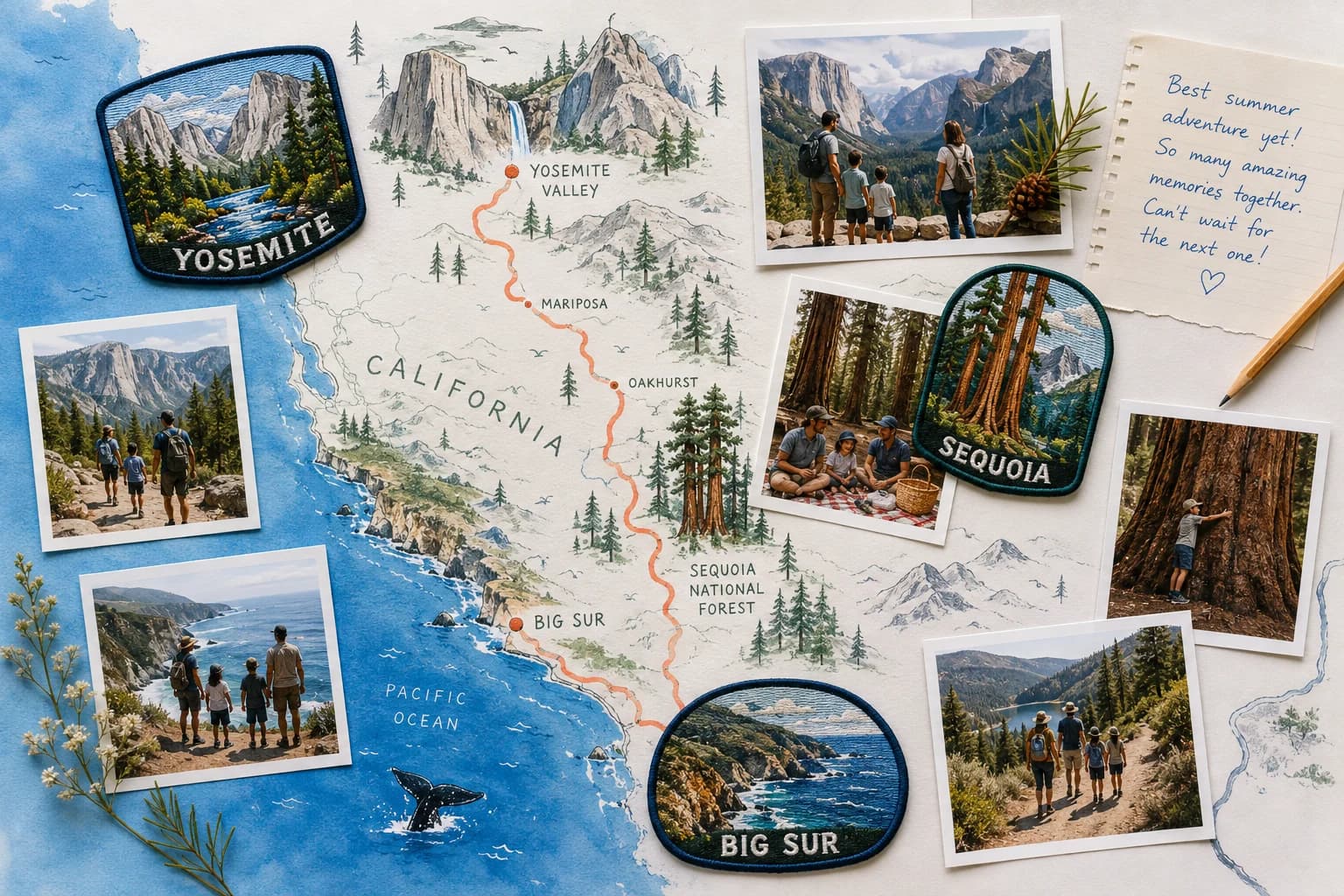
Choose one collection, not five conversations
A family trip usually ends with different versions of the same memory on several phones. One person has the landscapes, another has the group photos, and someone else has the picture everyone keeps asking for. Choose one destination for the collection and one person to keep it organized.
A shared album, a cloud folder, or a contribution link can all work. Before choosing, check whether people can send original files, whether a new account or app is required, and who can see the uploads. The simplest option is the one every contributor can actually use.
Ask for context while people still remember
Send a specific request: share your favorite photos, tell us where they were taken, and add any story the photo does not explain. The name of a trail, the unexpected roadside stop, or the reason everyone was laughing can be more useful than another ten near-identical views.
A short note for each day or location is enough. Avoid making people write a full trip report. Keep the original caption and contributor attribution with the image where possible so the organizer can ask a follow-up question later.
Collect originals, then curate
Where possible, use original image uploads rather than screenshots or copies saved from a chat. A picture that looks fine on a small screen may not have enough detail for a large print. Keep your originals backed up independently of the story you publish.
Start the edit by grouping photos by place or day. Choose one establishing image, a few people and details, and a moment that moves the story forward. Set aside duplicates rather than deleting the only original. Ask contributors before including an image they may find private or unflattering.
Be deliberate about the map
A location is useful when it helps someone understand the trip. It is not always appropriate to show an exact address, accommodation, or sensitive place. A town, park, or broad area may tell the story just as well.
Do not assume that a line connecting two photographs is the route you traveled. Missing stops, flights, and inaccurate timestamps can change the meaning. Confirm the places yourself and label any route or connection honestly.
Give the story a beginning and an ending
An opening image and a short introduction tell people whose trip they are exploring. Organize the middle into a few distinct chapters rather than a very long photo grid. Finish with the moment that sums it up: the last view, the return home, or a note from everyone who went.
Use mementos sparingly. A destination badge, a small caption, or a remembered detail can add personality when it belongs to the trip. The photographs and the people should remain the reason to keep exploring.
Try the collection before inviting everyone
In the Memluxe Stories beta, you can create a collection, invite contributions through a web link, and review photos before adding them to chapters. Publish a saved version with a revocable link and choose whether its map is shared. No native app is required.
Try a few uploads from your own phone first, then invite one other person. Direct cloud-folder imports, text-message collection, and email intake are not yet available. Keep a separate original backup and review the shared story as a signed-out visitor before passing the link around.